
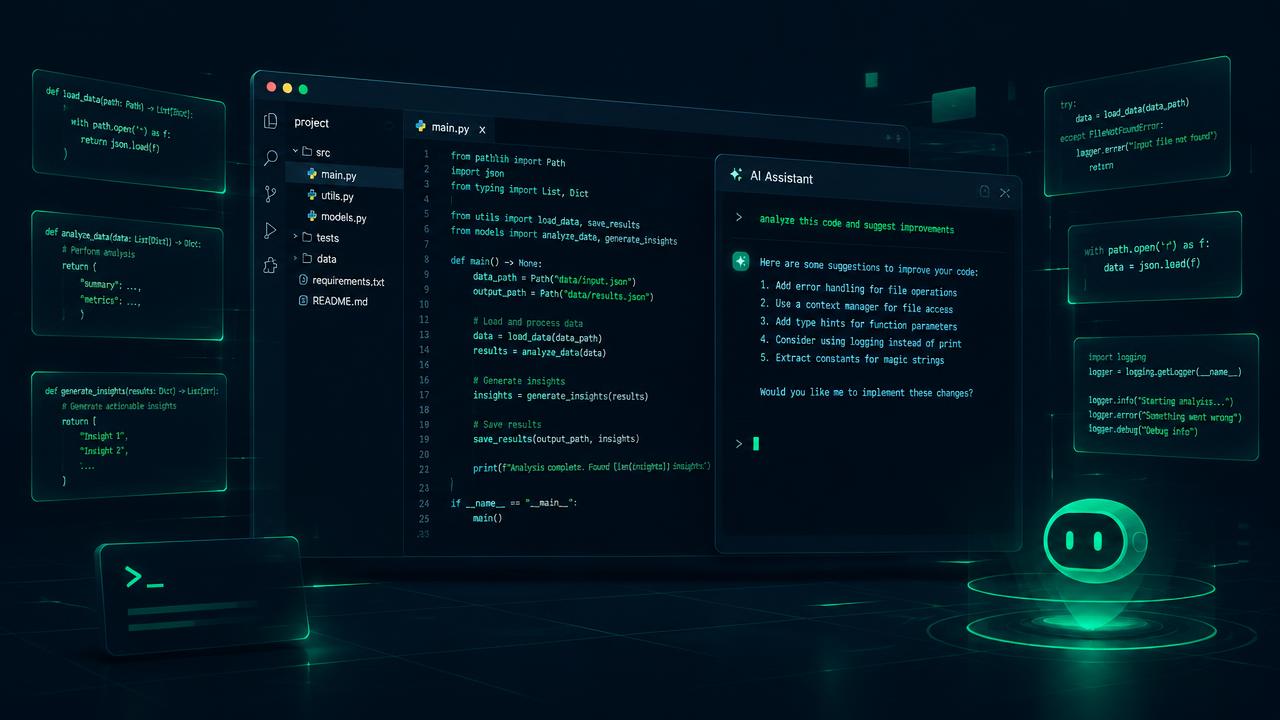
Claude Code: The AI assistant that codes with you from the terminal
Claude Code is the tool from Anthropic that brings artificial intelligence directly to your terminal. Unlike traditional autocomplete assistants, Claude Code is fully agentic: it doesn't just suggest lines of code, but is capable of building complete functionalities, writing entire files, and fixing bugs from start to finish. What makes it different? Claude Code works with your current tools without forcing you to change your workflow. It works with any IDE (VS Code, JetBrains, Xcode, and even Vim), in any terminal, locally or via SSH. When you open it in a project, it analyzes the repository structure on its own, reads the relevant files, and understands the context before proposing changes. Its standout capabilities include: - Exploring and explaining unfamiliar codebases in seconds. - Implementing new features by finding the files it needs to modify on its own. - Writing and running tests to validate its own changes. - Integrating with GitHub Actions to respond to review comments and fix CI errors automatically. How to get started You only need to have Node.js installed. Installation is done with a single command, and in a few minutes, you can have Claude working inside your project. Additionally, Anthropic has recently launched Claude Code in its desktop applications as well, allowing for multiple parallel sessions: one agent fixing bugs, another researching on GitHub, and a third updating the documentation. Claude Code represents a paradigm shift: we are moving from autocompleting code to collaborating with an agent that understands the entire project. If you haven't tried it yet, you can see it in action in the video in this article.
Read more →